
CeeVee
Run your job search from your own computer.
CeeVee keeps your resume, the jobs you are tracking and your applications in one place on your computer. Its AI model runs on your computer too, so there is no AI account or key to set up.
$19.99 once, for 2 computers
Mac (Apple silicon) and Windows 11
Buy CeeVee14-day free trial in the app. Sold by Paddle, our Merchant of Record.
See CeeVee
4 screens
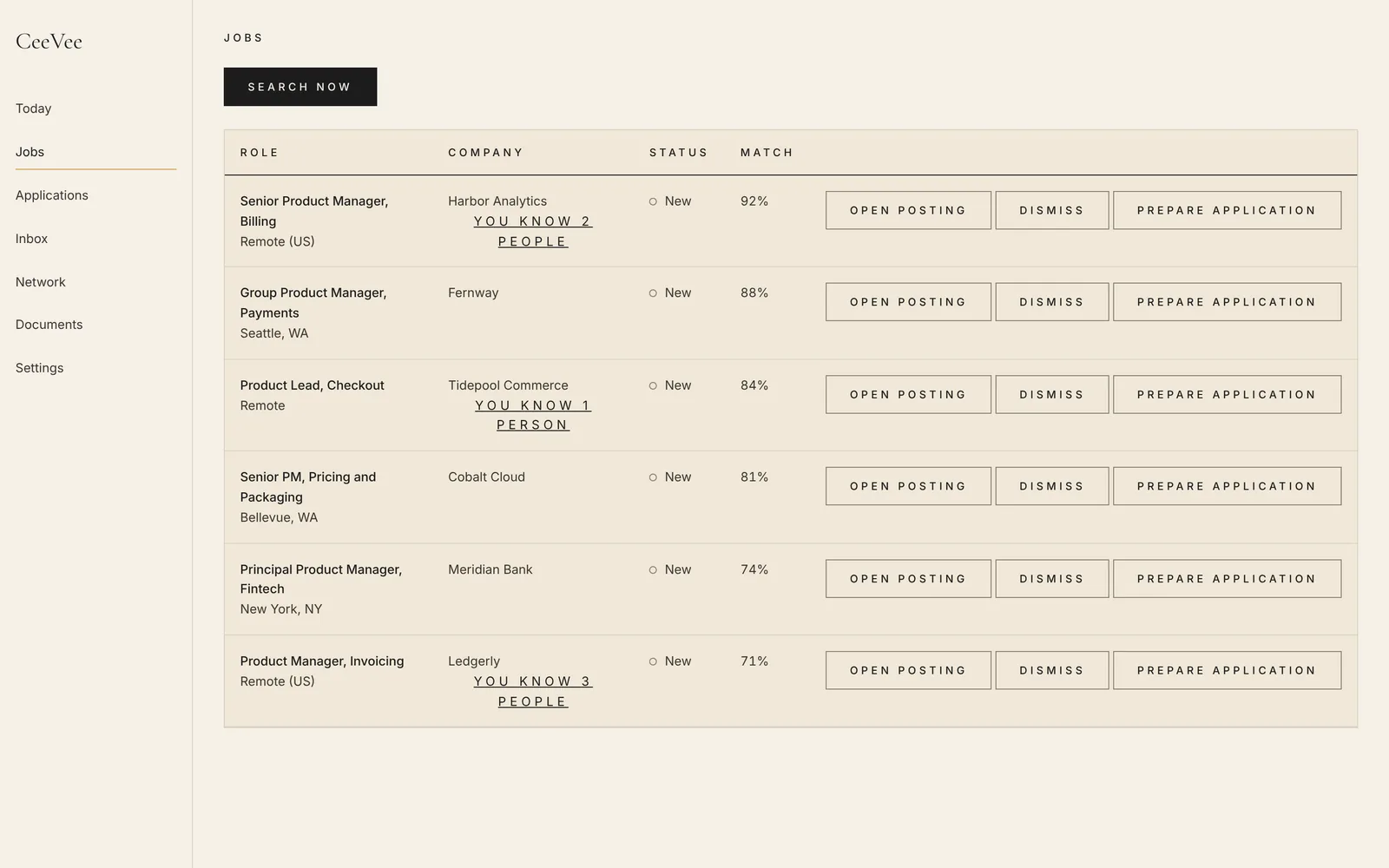
New jobs from your searches, scored against your profile, with the people you know there. 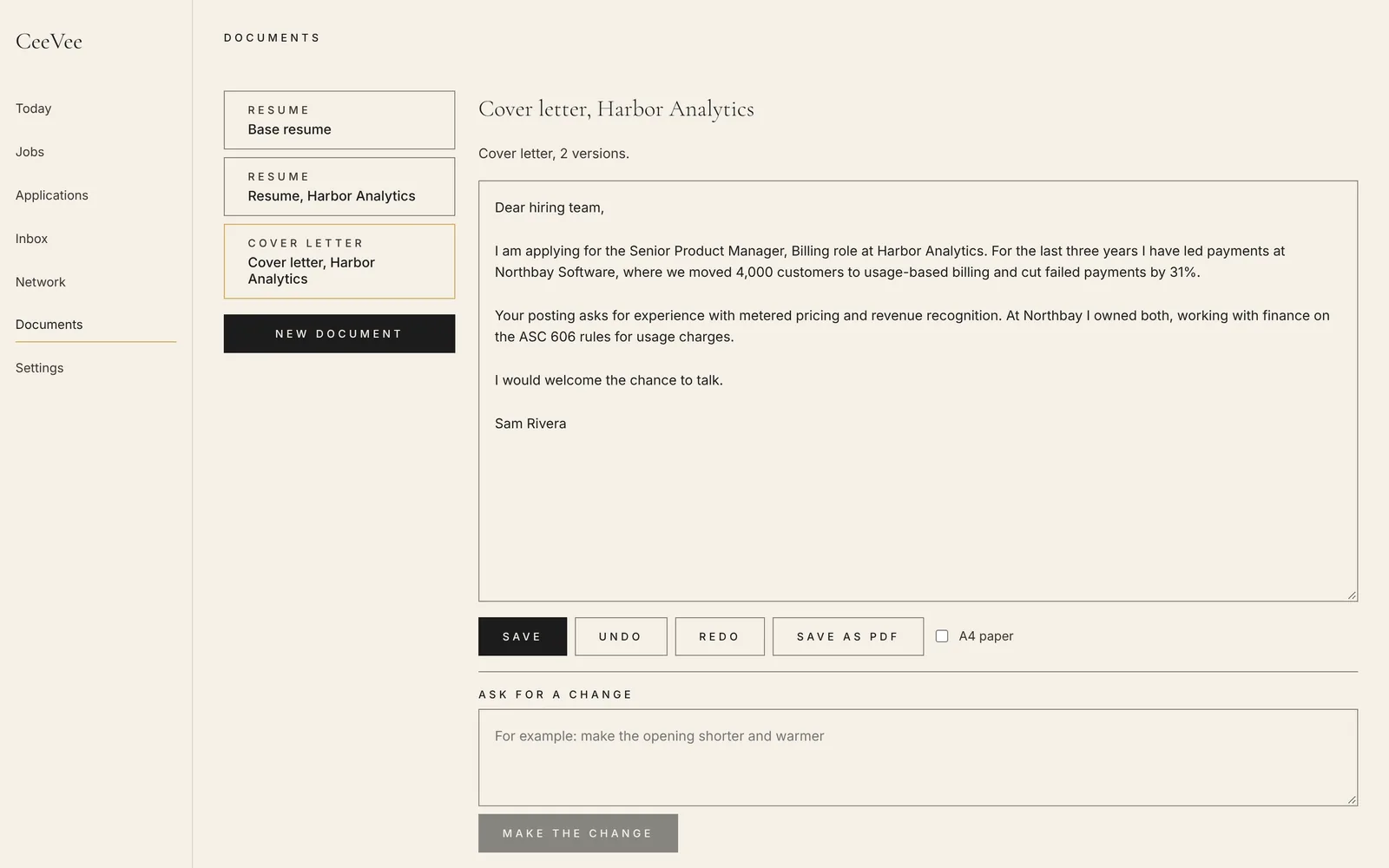
A resume and cover letter for each job. Edit them yourself or ask for a change in plain words. 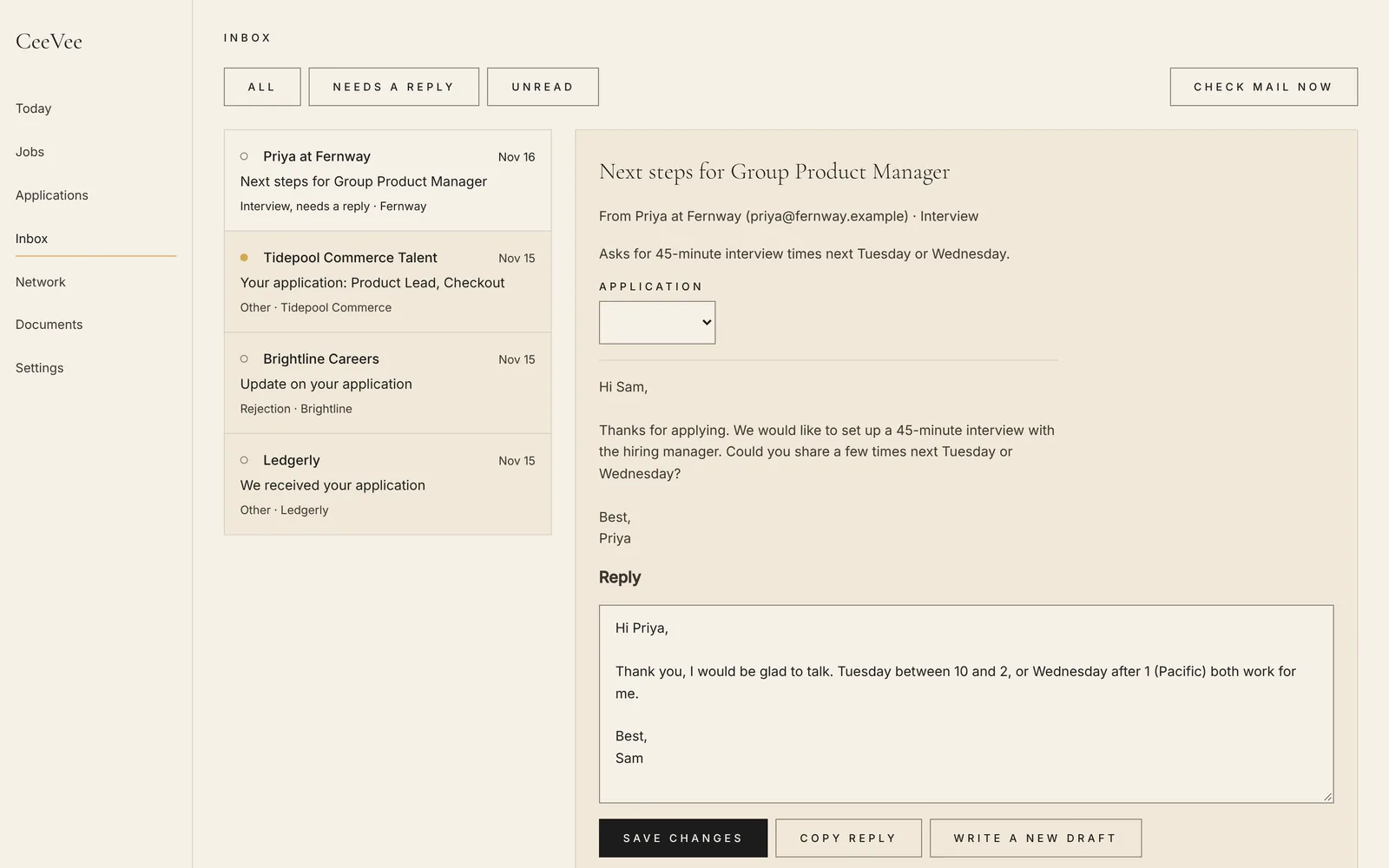
Replies from employers, linked to the right application, with an answer drafted for you. 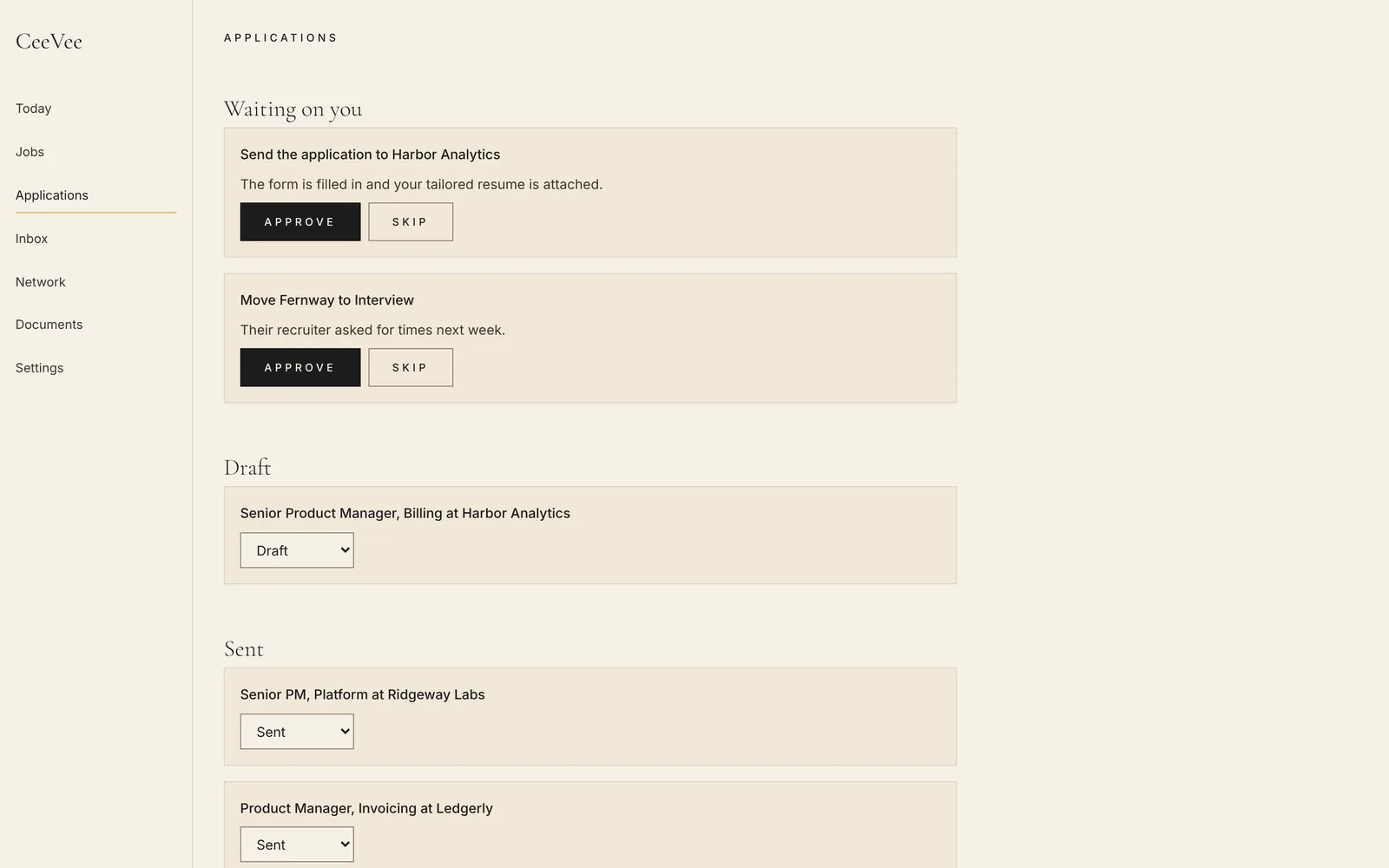
Nothing is sent until you approve it.
Screens shown with sample data.
What CeeVee does
Getting ready
Your profile, once
Drop in your resume, your LinkedIn profile PDF or your LinkedIn data export. CeeVee builds your profile from it and shows what it found before saving anything.
Jobs that fit
CeeVee searches for new jobs in the categories you pick while it runs in the menu bar or system tray, scores each one against your profile and tells you when something new turns up.
People you know
Import your LinkedIn connections and CeeVee shows who you know at each company on your list.
Applying
A tailored resume for each job
CeeVee lists what the job asks for, shows where you match and where you don't, and drafts a resume and cover letter. It never invents experience.
Edit in plain words
Change a document yourself, or ask for a change such as “make the opening shorter”. Every version is kept, with undo and redo.
PDF and Word files
Resumes and cover letters are saved as PDF and Word files in a normal folder on your computer.
Applications filled in for you
CeeVee opens the application page in its own browser window, fills in the fields from your profile and attaches your files. It stops before Submit.
Following up
Nothing sent without you
Anything that would go out in your name waits on one list for you to approve or skip.
Replies matched to applications
Connect Gmail, Outlook, Yahoo, iCloud or any mailbox. CeeVee links each reply from an employer to its application and updates the status.
Answers drafted for you
For each reply, CeeVee drafts an answer for you to edit and send.
Yours to keep
Export everything, or delete everything, any time. The AI model runs on your computer, so there is no AI account or key.
Price and requirements
- Price
- $19.99 once. One license works on 2 computers.
- Trial
- 14 days with every feature. After that, CeeVee turns read-only until you add a license: you can still view and export everything.
- Computers
- Windows 11 (64-bit) or a Mac with Apple silicon running macOS 13 or newer.
- AI model
- A one-time download of about 2.5 GB that runs on your computer. You need about 3 GB of free space.
- What goes over the internet
- License and update checks, the one-time model download, and the mailbox and job sites you choose to connect.
Orders are processed by Paddle.com, our online reseller and Merchant of Record. Refund policy · Terms · Privacy · Help